
Deciding you need to outsource your IT, partially or fully, is easy. Finding the right company that you can rely on for the long term is not. Your IT provider may hold admin access to your systems, your email, and your data, so the choice affects your security as much as your support.
Many businesses don’t pay heed to this risk. The government’s Cyber Security Breaches Survey 2025/2026 found that only 15% of businesses reviewed the cyber security risks posed by their immediate suppliers. Yet the NCSC warns that a cyber breach in your supply chain can have devastating effects on your business.
This guide covers what to look for in an IT support company, the questions to ask before you sign, what your contract should include, and the warning signs to avoid. If you’re still unsure whether to outsource at all, start with our comparison of managed IT support vs. in-house IT.
What Should You Look for in a Managed Service Provider?
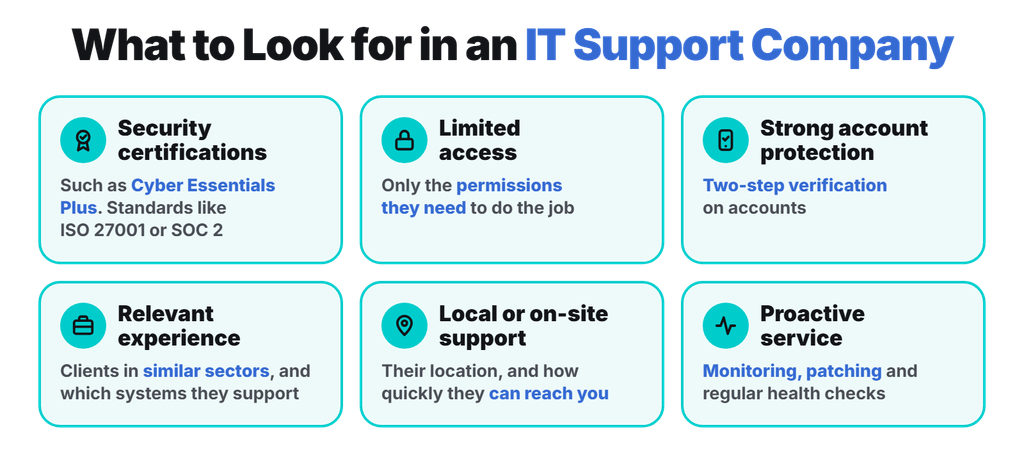
Look for a provider with security certifications, relevant experience, good response times, and the right approach to security. The HCSC’s guide to choosing a managed service provider (MSP) is a useful starting point.
Security certifications: Use MSPs with recognised certifications, such as Cyber Essentials Plus. Standards like ISO 27001 or SOC 2 show that an organisation takes information security seriously. You can confirm a provider’s claim using the IASME Cyber Essentials certificate search.
Limited access: Give your provider only the permissions they need to do the job, and limit admin accounts to the people who really need them.
Strong account protection: The NCSC recommends two-step verification on accounts, so they’re harder to break into.
Relevant experience: Ask them if they ever worked with clients in a similar sector, and what systems they support, such as Microsoft 365, servers, or cloud platforms.
Local or on-site support: If you think you might need someone to visit your office, check their location and how quickly they can reach you.
Proactive service: Monitoring, patching, and regular health checks help prevent problems instead of just fixing them after they happen.
What Questions Should You Ask an IT Support Provider?
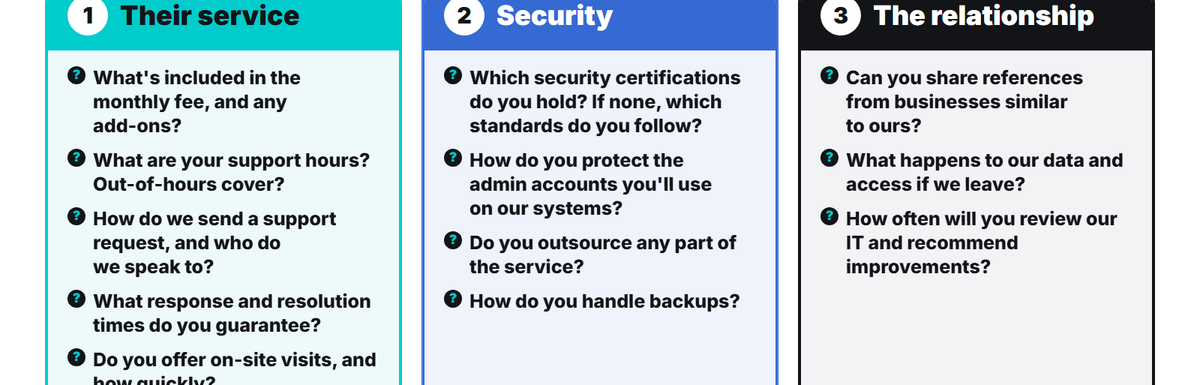
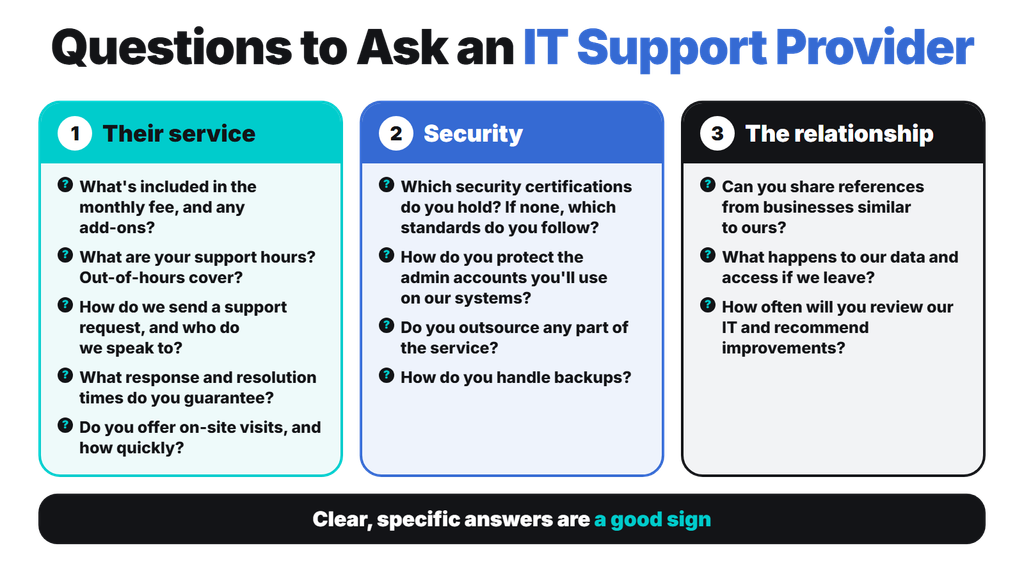
You want to ask questions that show how the provider works, how they protect your systems, and what they do when something goes wrong. Clear, specific answers are a good sign.
Questions to ask about their service:
- What exactly is included in the monthly fee, and are there any add-ons?
- What are your support hours, and is out-of-hours cover available?
- How do we send a support request, and who is the person to speak to?
- What are your guarantees on response and resolution times?
- Do you offer on-site visits, and how quickly can an engineer attend?
Questions to ask about security:
- Which security certifications do you hold? If none, what standards do you follow?
- How do you protect the admin accounts you’ll use to access our systems?
- Do you outsource any part of the service to subcontractors or third parties?
- How do you handle backups?
Questions to ask about the relationship:
- Can you share references from businesses simlar to ours?
- What happens to our data and access if we decide to leave?
- How often will you review our IT with us and recommend improvements?
What Should an IT Support Contract Include?
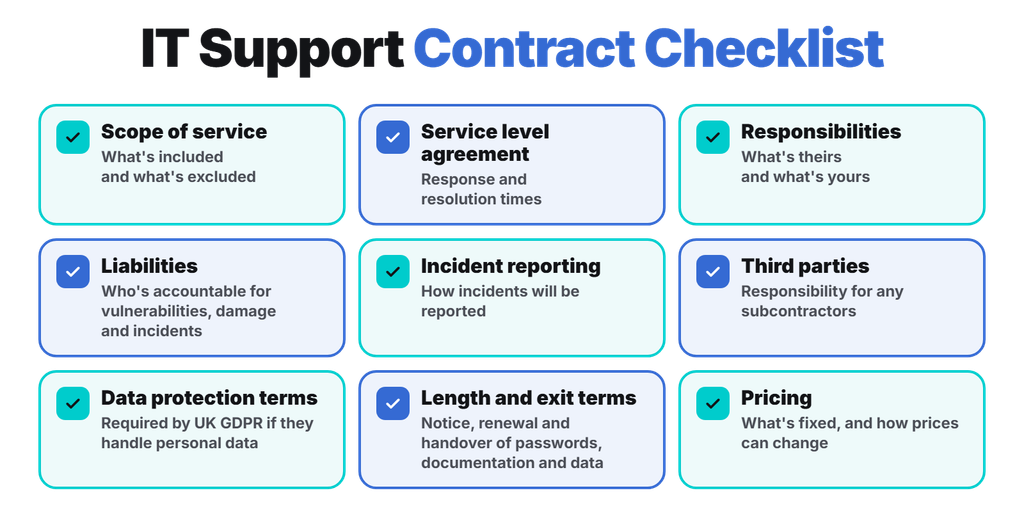
A good IT support contract includes exactly what the provider will do, how fast they will respond, who is responsible for what, and how you can leave. Check for these points when you review one:
- Scope of service: What’s included (Users, devices, systems, and locations) and what’s excluded.
- Service level agreement (SLA): Response and resolution times. According to NCSC, a response time of under one hour is standard.
- Responsibilities: The contract should clear state what the provider will be responsible for, and what’s your job as the customer.
- Liabilities: Clarity on who’s accountable for vulnerabilities, damage, and the impact of any incidents.
- Incident reporting: How incidents will be reported
- Third parties: Responsibilities for any subcontractors the provider uses to deliver the service.
- Data protection terms: If the provider handles personal data for you, UK GDPR requires certain terms. The contract must cover points such as acting only on your documented instructions, security measures, use of sub-processors, and returning or deleting data at the end.
- Contract length and exit terms: Notice periods, renewal terms, and how passwords, documentation, and data get handed back when you leave.
- Pricing: What’s fixed and what isn’t. How prices can change during the contract.
What Are the Red Flags When Choosing an IT Support Company?
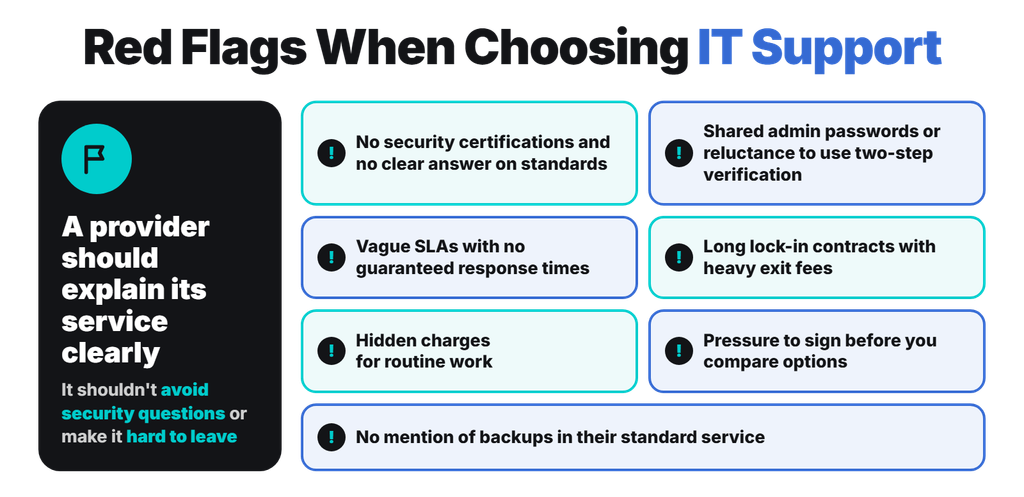
An IT provider should explain their service clearly and not avoid any questions about security. They should not make it hard for you to leave later on. Watch out for these red flags:
- No security certifications and no clear answer about which standards they follow
- Shared admin passwords or reluctance to use two-step verification on accounts that access your systems
- Vague SLAs with no guaranteed response times or reporting
- Long lock-in contracts with heavy exit fees or unclear handover terms
- Hidden charges for routine work
- Pressure to sign quickly before you have compared options
- No mention of backups in their standard service
It’s also worth checking that they cover the threats businesses face most often, such as phishing. Our guide on how to protect your business from phishing explains the protections a good provider should help you put in place.
Why Choose Netzen for Your IT Support?
Netzen has provided managed IT support to UK businesses since 2005, with locations including Bath, Bristol, Reading, Maidenhead, Slough, and London. To talk through your IT support needs, get in touch with our team.